Strip GPS Data from iPhone Photos & Convert HEIC to JPG Free
Your iPhone photos secretly store GPS coordinates. Learn how to strip EXIF location data and convert HEIC to JPG free — protect your privacy in seconds.
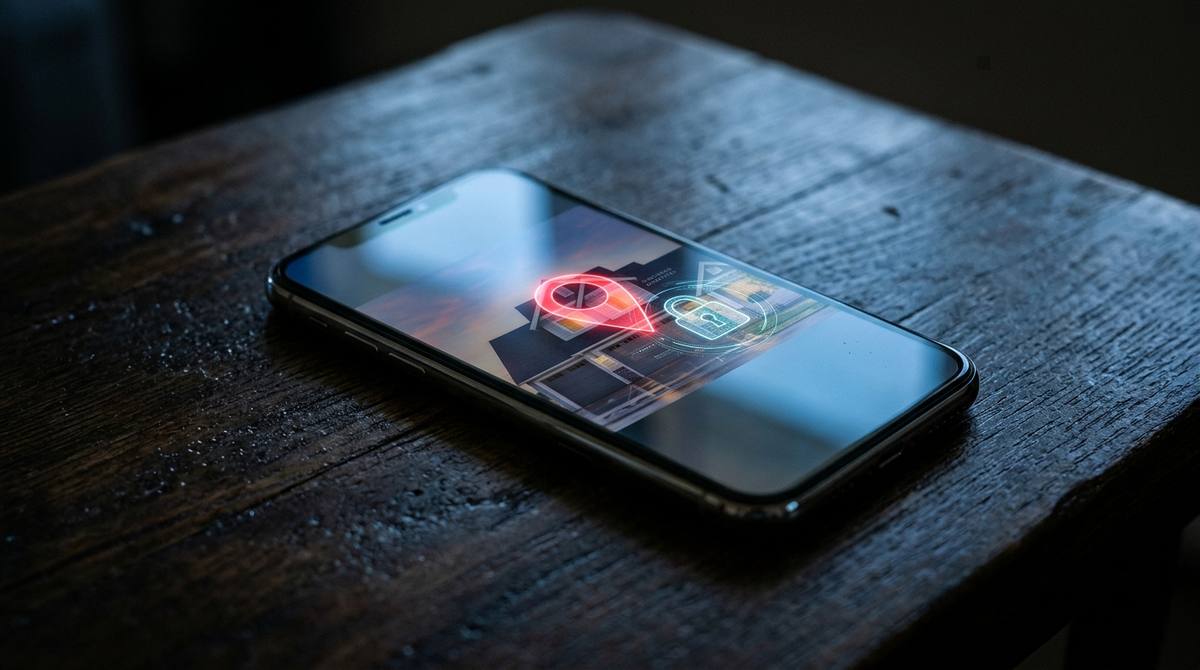
Take a photo with your iPhone right now. Did you know that the image file contains a hidden map? It has the exact GPS coordinates (latitude and longitude) of where you took the picture, down to the meter.
This is called EXIF data. It is designed to help you organize your photo library by location. But when you upload that photo to Facebook Marketplace, eBay, or a public forum, you might be accidentally broadcasting your home address to the world.
The danger of EXIF Data
Let’s say you are selling a PS5 on Facebook Marketplace. You take a photo of the console sitting on your living room couch. You upload the photo to the listing.
A malicious buyer can download that image, run it through an EXIF viewer, and find your exact home address. They now know where the PS5 is located, and when you are likely to be home.
Fortunately, you can strip this data in seconds using our EXIF Editor. It removes all the hidden metadata (GPS location, camera model, date) while leaving the actual pixels of the photo completely untouched.
Strip your GPS location from photos before posting them online.
Remove EXIF DataThe HEIC file problem
Another major issue with iPhones is the HEIC format. Apple switched to HEIC because it saves storage space, but it causes major headaches. If you send a HEIC file to a Windows PC or an Android user, they often cannot open it.
If you are uploading photos to a website, a job portal, or an older application, HEIC files are usually rejected. You need to convert them to standard JPG or PNG.
Use our HEIC to JPG converter. It runs entirely in your browser using WebAssembly. You can select up to 10 photos at once, convert them to JPG, and download them as a ZIP file.
Make your iPhone photos open on Windows, Android, and the web.
Convert HEIC to JPGWhen to use PNG instead of JPG
If you are a designer, photographer, or you are uploading an image with text or a logo, you should use PNG. JPG compresses images and introduces blurry artifacts around sharp edges.
Use our HEIC to PNG converter for lossless quality. It preserves every pixel perfectly, which is crucial if you are going to edit the image further in Photoshop or Canva.
Get lossless, high-quality images for editing.
Convert HEIC to PNGTools mentioned in this article
Frequently asked
Why can’t Windows open my HEIC photos?
Windows does not natively support the HEIC format without a paid extension from the Microsoft Store. The easiest fix is to use a free converter tool to change them to JPG.
Does Instagram remove EXIF data?
Yes, Instagram and Facebook strip EXIF data when you upload. However, if you send the photo via email or WhatsApp as a "Document", the EXIF data remains intact.
What is the difference between HEIC and JPG?
HEIC is a newer format that compresses better, resulting in smaller files. JPG is an older format that is universally supported on almost every device and website.