Minify CSS & JS for Core Web Vitals: Boost SEO (Free Tools)
A 1-second delay can drop Google rankings. Learn how minifying CSS & JS improves LCP, TTFB & Core Web Vitals for better SEO — free tools included.
Google’s algorithm is not just looking at your keywords anymore. Since the Page Experience update, **Core Web Vitals** (CWV) have become a massive ranking factor. If your website is slow, Google will push it down the search results in favor of a faster competitor.
One of the easiest ways to speed up your website is by minifying your code. But what does that mean, and why does it matter so much for SEO?
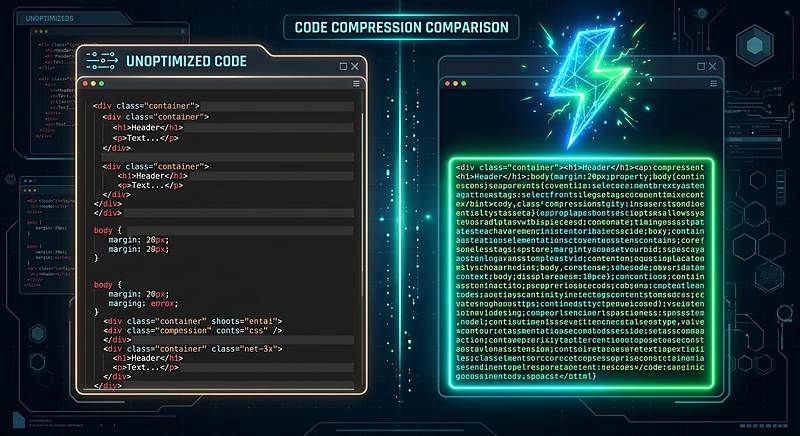
What is Minification?
When developers write code, they use spaces, indents, comments, and long variable names to make it human-readable. Computers do not need any of that.
Minification is the process of automatically removing all of these unnecessary characters from your source code without changing how it functions.
- Removing whitespace, tabs, and newlines.
- Removing comments (// this is a note for the developer).
- Shortening variable names (e.g., changing `calculateTotalPrice` to `a`).
- Removing the final semicolon where possible.
Why Minification Impacts Your SEO
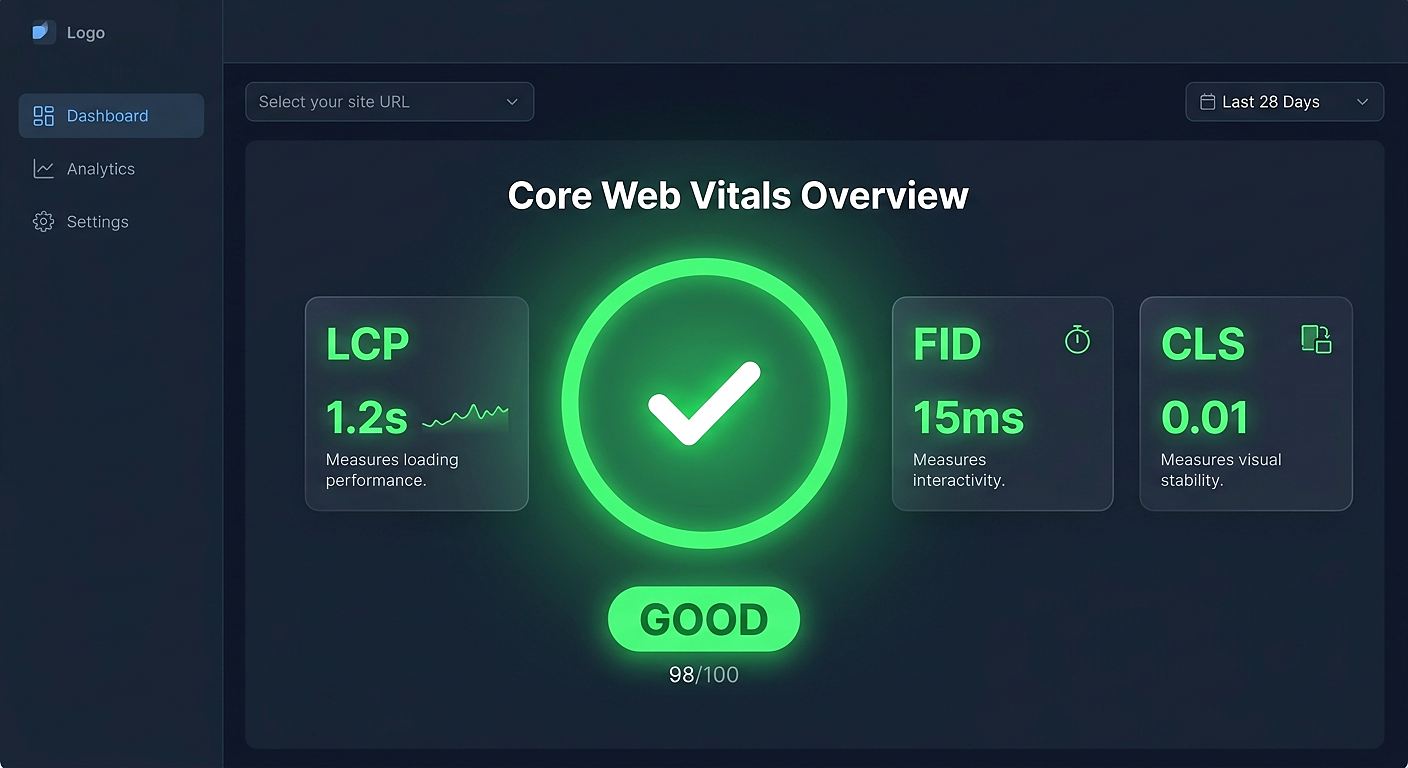
Minification directly affects two of the most critical Core Web Vitals: LCP (Largest Contentful Paint) and TTFB (Time to First Byte).
| Metric | What it measures | How Minification Helps |
|---|---|---|
| TTFB | How fast the server responds with the first byte of data. | Smaller files mean the server can send them faster over the network. |
| LCP | How fast the largest image/text block loads on the screen. | Smaller CSS files mean the browser can parse and render the page much quicker. |
| FCP | First Contentful Paint. When the user sees the first pixel. | Minified JS blocks the main thread for less time, allowing the page to paint faster. |
Before and After: The Difference
Let’s look at a simple example of CSS.
/* Unminified - 120 bytes */
.header {
  color: #ffffff;
  background-color: #000000;
  padding: 10px;
}
Now, after minification:
/* Minified - 58 bytes */
.header{color:#fff;background-color:#000;padding:10px}
We just saved 50% of the file size without changing how it works. Imagine that scaled across a 200KB stylesheet and a 500KB JavaScript bundle. The savings are massive.
How to Minify Your Code (Free)
You do not need a complex build tool like Webpack or Vite to do this. If you are working with raw files, you can use our browser-based minifiers to clean your code in seconds.
- Open our CSS Minifier or JS Minifier.
- Paste your raw code into the box.
- Click "Minify".
- Copy the compressed output and replace your original file.
Reduce file size by up to 60% instantly.
Minify CSS NowSpeed up your JS parsing and execution.
Minify JavaScriptTools mentioned in this article
Frequently asked
Does minification break my JavaScript?
If done correctly, no. However, if your code relies on specific variable names (like using `eval()` or `Function.name`), aggressive minifiers can sometimes break it. Always test your website after deploying minified code.
Is minification the same as compression (Gzip)?
No. Minification removes unnecessary characters from the code. Compression (like Gzip or Brotli) uses an algorithm to zip the file for transfer. You should use BOTH for the best results.
Does minification help with SEO?
Indirectly, yes. Google uses Page Speed as a ranking factor. By minifying your files, you improve your Core Web Vitals, which can lead to higher rankings.
Can I minify HTML too?
Yes. Minifying HTML removes spaces and comments between tags. You can use our HTML Minifier for that.