How to Remove Background Noise from Audio Free (AI, No Upload)
Remove hiss, hum & background noise from podcasts, voiceovers & videos for free. Browser-based AI tool — no uploads, studio-quality audio in seconds.
You recorded a 30-minute podcast. The conversation was perfect. The energy was great. But when you play it back, all you can hear is the hum of your refrigerator in the background.
Bad audio is the #1 reason viewers click away from a YouTube video. The human eye is forgiving of bad video quality, but the human ear is incredibly sensitive to background noise. If it sounds amateur, people will assume the content is amateur.
Professional noise removal used to require expensive software like Adobe Audition or iZotope RX. In 2026, you can do it for free, right in your browser, using AI.
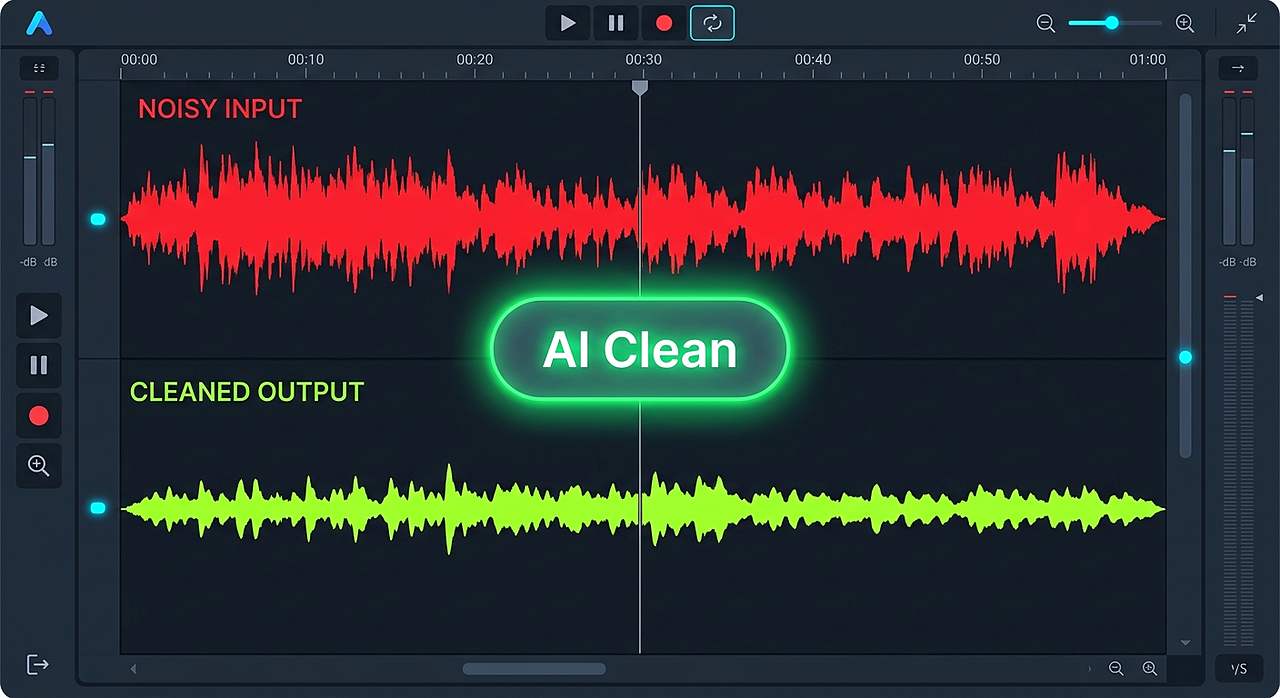
The 3 Types of Audio Noise
Before you can fix the problem, you need to identify what kind of noise you are dealing with. Different tools handle different frequencies.
| Noise Type | What it sounds like | Common Cause |
|---|---|---|
| Hiss | A high-pitched, continuous "shhhh" sound. | Cheap microphones, poor preamps, air conditioning. |
| Hum | A low, vibrating buzz. | Electrical interference, bad grounding, fluorescent lights. |
| Rumble | A deep, low-end thumping. | Traffic outside, heavy footsteps, wind hitting the mic. |
How AI Noise Removal Works
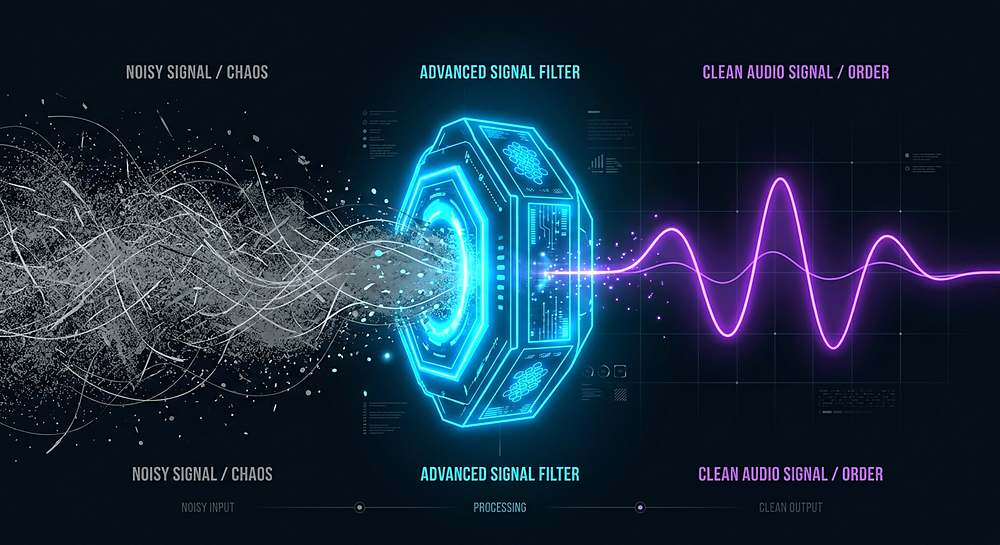
Older noise removal tools used a "Noise Gate" (muting the mic when you are not speaking). This resulted in a choppy, unnatural sound. Modern AI tools use a neural network trained on thousands of hours of human speech.
The AI learns exactly what your voice sounds like, and completely strips away everything else. It is so powerful that it can make a recording made in a busy coffee shop sound like it was recorded in a professional studio.
How to Clean Your Audio in 3 Steps
You do not need to install anything. Our Audio Noise Reducer uses WebAssembly to process your audio locally, meaning your raw files never leave your computer.
- Extract the audio: If your recording is stuck inside an MP4 video, use our Video to MP3 tool to extract the audio track first.
- Upload to the Noise Reducer: Open the tool and drop in your MP3 or WAV file.
- Adjust the slider: Choose how aggressive the AI should be. We recommend starting at "Medium" so it removes the hiss without making your voice sound robotic.
- Download the clean file.
Clean up your podcast or voiceover in seconds. Free and private.
Remove Audio NoiseHow to record better audio next time
The best way to fix noisy audio is to record it properly in the first place. Here are three cheap tricks:
- Get closer to the mic. The closer you are, the louder your voice is compared to the background noise.
- Turn off the AC and the fridge. Even if you cannot hear it, the microphone will.
- Record under a blanket. If your room has bad echo, throwing a thick blanket over your head and the mic creates a DIY vocal booth.
Tools mentioned in this article
Frequently asked
Is it possible to remove background noise from audio completely?
It is impossible to remove 100% of the noise without degrading the voice, because the voice and the noise share the same frequencies. However, modern AI tools can remove up to 95% of ambient noise without a noticeable impact on vocal quality.
Will noise removal make my voice sound robotic?
If you turn the reduction level up too high, yes. This is known as "artifacts." Start with a low or medium setting and only increase it if the background noise is still audible.
Can I use this for my Zoom recordings?
Yes. Zoom records audio in a compressed format, but our tool can still process it. For the best results, always record locally on your computer using Audacity or OBS rather than relying on the cloud recording.
Does this tool work with WAV files?
Yes, it supports both MP3 and WAV formats. WAV is uncompressed and will give the AI the cleanest data to work with, resulting in a slightly better final output.