Merge PDF for Job Applications: Avoid ATS Rejection (2026)
Most ATS systems reject resumes with missing documents. Learn how to merge resume, cover letter & certificates into one PDF in 30 seconds — free & private.
You have spent hours perfecting your resume. You wrote a tailored cover letter. You gathered your degree certificates and portfolio. You go to submit your application on a corporate portal, and it only allows you to upload ONE file.
What do you do? If you upload just the resume, the recruiter never sees your cover letter. If you upload them separately into a ZIP file, the Applicant Tracking System (ATS) might not be able to open it.
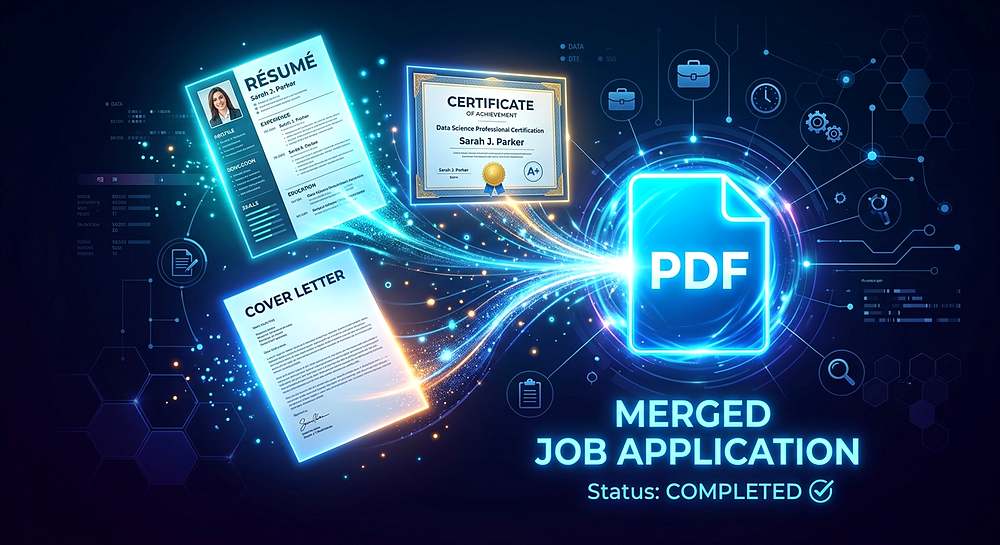
The solution is simple: you need to merge everything into a single, clean, text-based PDF.
Why ATS Bots Hate Multiple Files
Applicant Tracking Systems (ATS) are the software robots that read your application before a human does. They are designed to parse one document and extract keywords, contact info, and work history.
If you submit your resume as a `.docx` and your cover letter as a `.pdf`, the ATS might only parse one of them. If you submit a `.zip` file, many older ATS platforms will simply crash or reject the application outright for security reasons.
Always combine your documents into a single PDF. It keeps you safe from technical rejections.
The Perfect Page Order for a Job Application
When you merge your files, the order matters. Recruiters spend an average of 6 seconds scanning a resume. Make sure the most important information is at the front.
- Page 1: Your Resume (The most important document).
- Page 2: Your Cover Letter (Read second, if at all).
- Page 3: Portfolio / Work Samples (Keep it brief, 1-2 pages max).
- Page 4+: Certificates, Degrees, and References (Backup evidence).
How to Merge Your Files in 30 Seconds
Do not pay for Adobe Acrobat Pro just to combine two files. You can do it for free, right in your browser, without uploading your sensitive ID documents to a random server.
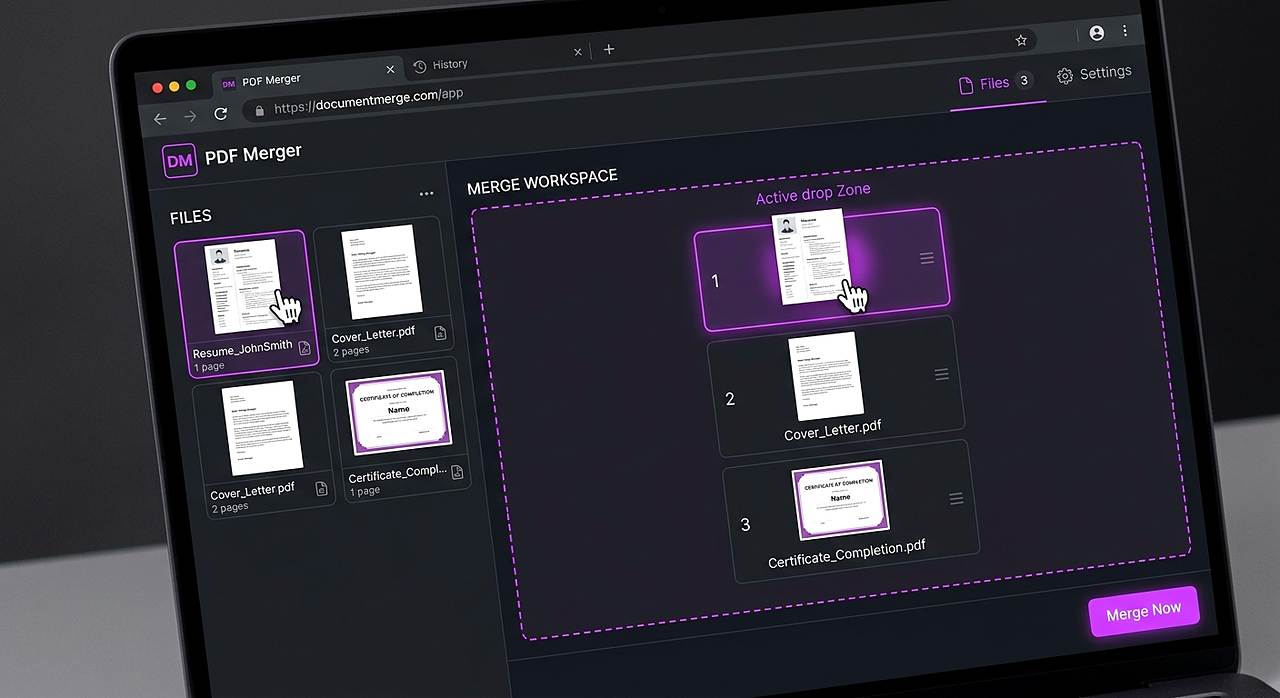
- Open our free Merge PDF tool.
- Drag and drop your Resume, Cover Letter, and Certificates into the box.
- Drag the thumbnails to put them in the correct order (Resume first!).
- Click "Merge PDF" and download your combined document.
Combine your resume and cover letter in seconds. 100% private.
Merge PDF for Job ApplicationThe Final Checklist
| Check | Why it matters |
|---|---|
| File Name | Name it "Firstname_Lastname_Resume.pdf". Never submit a file named "Scan_001.pdf". |
| Text Selectable | Can you highlight the text? If not, the ATS cannot read it. |
| File Size | Is it under the portal's limit? Compress it if needed. |
| Password Protection | Never password-protect a job application unless explicitly asked. |
Tools mentioned in this article
Frequently asked
Is it better to submit a PDF or Word document?
Unless the job portal explicitly asks for a Word document (.docx), always submit a PDF. PDFs lock the formatting so the recruiter sees exactly what you designed, whereas Word documents can break across different versions of Microsoft Office.
Does merging PDFs reduce the quality of the text?
No. A proper merge tool copies the internal data exactly as it is. The text remains sharp, selectable, and perfectly readable by ATS robots.
Can I merge files on my phone?
Yes. Our Merge PDF tool works in Safari on iPhone and Chrome on Android. You can select files from your Files app or Google Drive and merge them right on your device.
What if the job portal only allows one file, but I have a portfolio?
Merge your resume and cover letter, and add a link to your online portfolio (like a personal website or Behance) in the header of your resume. Only attach a portfolio PDF if it is specifically requested.