Travel Cyber Hygiene: Protect Data on Hotel Wi-Fi
Booked your trip? Secure your accounts first. Strip GPS from vacation photos and generate 15-character passwords — free traveler security guide in 2026.
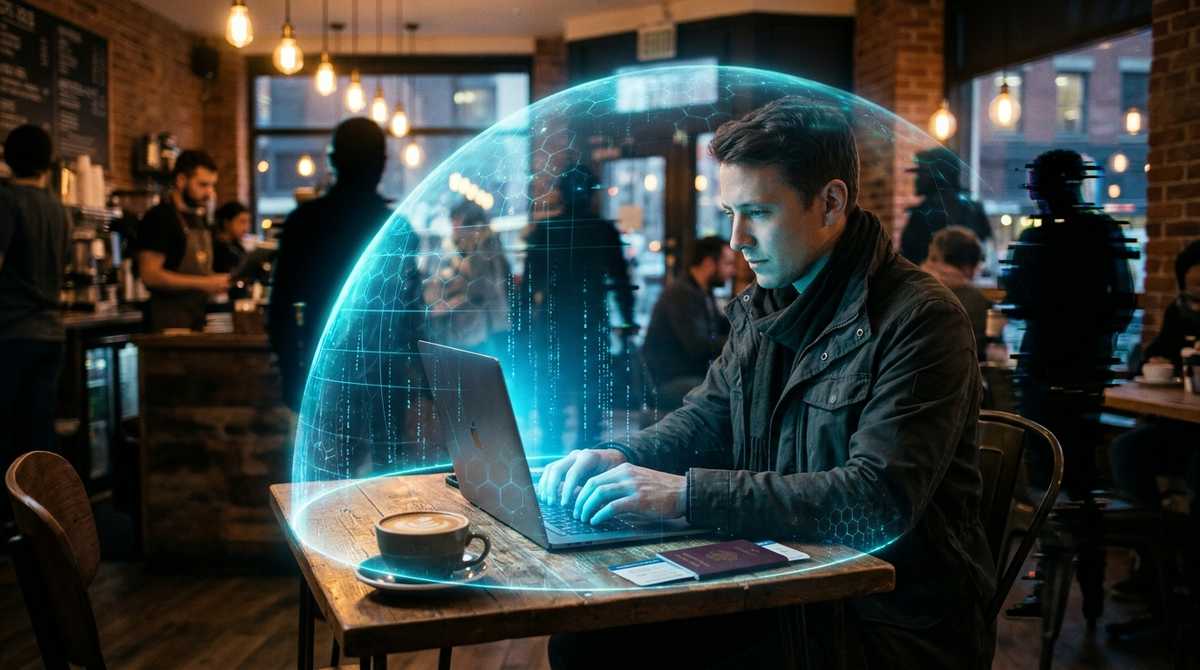
You arrive at the hotel, connect to "Free_Hotel_WiFi," and immediately check your bank account. Or you sit at a cafe in Paris and log into your email. What you just did is essentially shouting your passwords in a crowded room.
Public Wi-Fi networks are unencrypted. A hacker sitting in the lobby with a $30 device can intercept your traffic, steal your session cookies, and hijack your accounts. But public Wi-Fi is only half the problem.
Rule 1: Your "Travel Password" must be 15 characters
If you are still using "Fluffy123!" as your password, a hacker can crack it in seconds. Before you leave for the airport, update your email and banking passwords to 15-character random strings.
Use our 15-Character Password Generator to create a mathematically unbreakable password. Paste it into your password manager (like Bitwarden or 1Password). If a hacker intercepts it on a public network, it will take them billions of years to crack it.
Create an unbreakable password for your bank and email.
Generate 15-Char PasswordRule 2: Use passphrases for devices you type on
If you are typing a password into a smart TV in an Airbnb, a rental car dashboard, or an airplane entertainment system, a random string of symbols is impossible to type with a remote control.
Switch to our Passphrase Generator. A 6-word passphrase like "Tiger-Mango-Cedar-Velvet-Olive-Moon" is incredibly easy to type on a remote control, but still provides 48 bits of entropy (which is uncrackable).
Create memorable passwords that are easy to type on TVs and consoles.
Generate PassphraseRule 3: Strip the GPS data from your vacation photos
This is the most dangerous mistake travelers make. When you take a photo with your iPhone or Android and post it to Instagram or Facebook, the image file contains hidden EXIF data.
This data includes the exact GPS coordinates of where the photo was taken. If you post a photo from your hotel room and say "Off to dinner!", a burglar can use the EXIF data to find your exact location and rob your house.
Before you post any vacation photos, run them through our EXIF Editor. It strips out the GPS coordinates and camera data instantly, right in your browser, while preserving the image quality perfectly.
Remove hidden location data from your photos before posting.
Strip GPS DataBeware the "Evil Twin" Wi-Fi attack
When you open your Wi-Fi settings in a hotel lobby, you might see two networks: "Hilton_Guest" and "Hilton_Guest_Free". One is real, the other is a hacker sitting in the corner with a laptop.
If you connect to the fake one, the hacker can serve you a fake login page that looks exactly like the hotel's. You type in your room number and last name, and the hacker steals it. They can then use that info to access your room or your billing account.
Always ask the front desk for the exact name of the Wi-Fi network. And never log into a portal that asks for your credit card details while on public Wi-Fi. If they need payment, go to the front desk and pay in person.
Tools mentioned in this article
Frequently asked
Can hackers see my screen on public Wi-Fi?
They cannot usually see your screen, but they can intercept the data traffic if the network is unencrypted. This is why using a VPN and HTTPS is critical.
Does Instagram remove EXIF data automatically?
Yes, most major social networks strip EXIF data upon upload. However, if you send photos via email, WhatsApp (as a document), or iMessage (as a file), the GPS data remains intact.
What is a good password for travel?
Never use a password that is easy to guess (like your pet's name or "123456"). Use a 15-character random string generated by our tool, stored securely in a password manager.