Freelancers: Create Professional Invoices Free (No QuickBooks)
Still asking clients to pay via PayPal without an invoice? Learn how to build a professional invoice and convert to PDF free — no QuickBooks, fast in 2026.
You finished the project. You delivered the files. Now comes the awkward part: asking for money. If you just send an email saying "Hey, please send $500 to my PayPal," you look like an amateur.
Professional clients—especially corporations—require a formal invoice. They need a document with an invoice number, your tax details, a breakdown of the work, and a PDF format for their accounting department.
You do not need to pay $30/month for QuickBooks or FreshBooks. Here is how to generate a premium invoice for free.
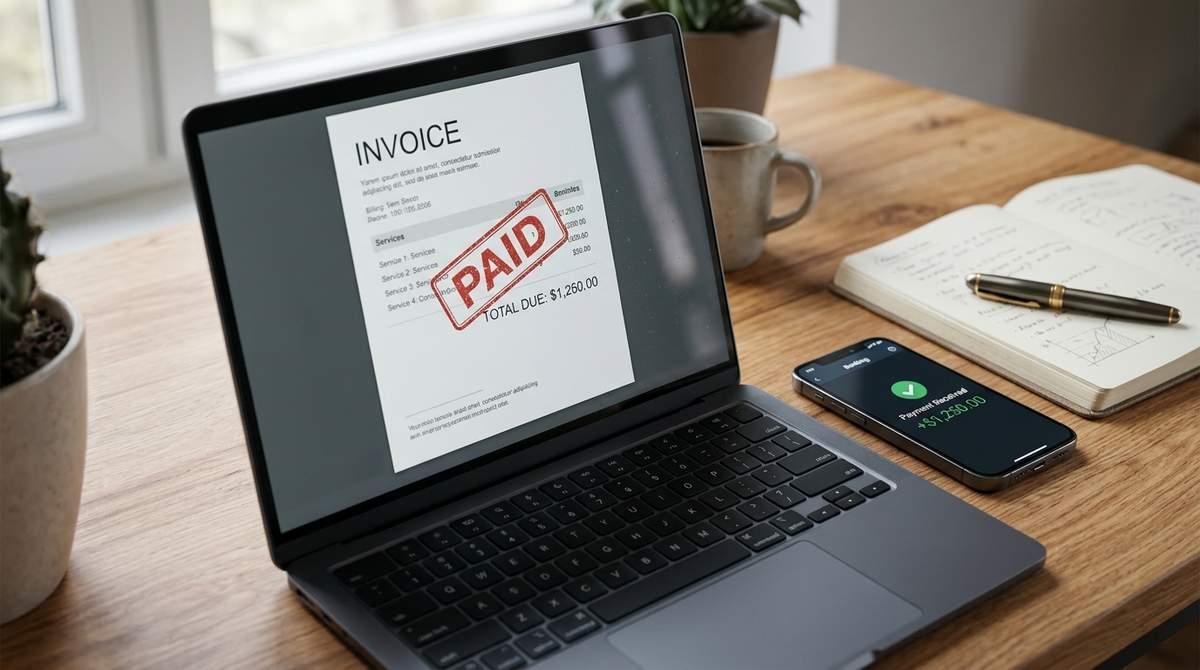
Step 1: Generate the Invoice
Use our free Invoice Builder. It allows you to add your business logo, client details, invoice number, and line items (e.g., "Logo Design - $300", "Web Development - $1200").
You can choose from multiple clean templates. It automatically calculates taxes, discounts, and the grand total. Once you are done, click "Save as PDF" to download a perfectly formatted document.
Generate a professional PDF invoice in under 2 minutes.
Create a Free InvoiceStep 2: Send your portfolio as a single PDF
When a potential client asks to see your work, do not send them 20 separate JPG files. It looks messy and they will likely lose them. Combine your best work into one cohesive PDF portfolio.
Use our Bulk Image to PDF tool to combine all your project screenshots into a single, high-quality PDF. You can arrange them in order and send one clean file named "YourName_Portfolio_2026.pdf".
Combine your best images into one professional portfolio.
Create a PDF PortfolioStep 3: Fill out client NDAs and Contracts
Many corporate clients will send you a massive 10-page PDF NDA or contract to sign before work begins. If you are on a Mac, filling out PDF forms can be a nightmare.
Use our PDF Form Filler. It detects the text boxes and checkboxes inside their PDF, allows you to type in your details, and saves it cleanly. It preserves their formatting perfectly, so you look highly professional.
Quickly fill out client NDAs without Adobe Acrobat.
Fill out PDF ContractsTools mentioned in this article
Frequently asked
What should a freelance invoice include?
It must include your name/business name, contact info, the client’s details, a unique invoice number, the date, a breakdown of services, the total amount, and payment terms.
Do I need a PDF for an invoice?
Yes. A PDF is the industry standard because it locks the formatting. It cannot be easily edited by the client, and it looks the same on every computer.
How do I convert my invoice to PDF?
If you use our Invoice Builder, you can download it directly as a PDF. If you create an invoice in Word, you can use our Word to PDF tool to convert it.