How to Ace Your Exams in 2026: The Ultimate Student Tech Stack
Stop wasting hours studying inefficiently. Discover how to use OCR, text deduplication, and PDF tools to organize your notes and smash your exams — free.
Let’s face it: college and university are overwhelming. You have 5 classes, hundreds of pages of readings, and only 24 hours in a day. The students who get straight A’s are not necessarily smarter—they just have a better workflow.
If you are still writing notes by hand or scrolling through massive PDFs trying to find one quote, you are wasting time. Here is the 2026 student tech stack that will save you hours every week.
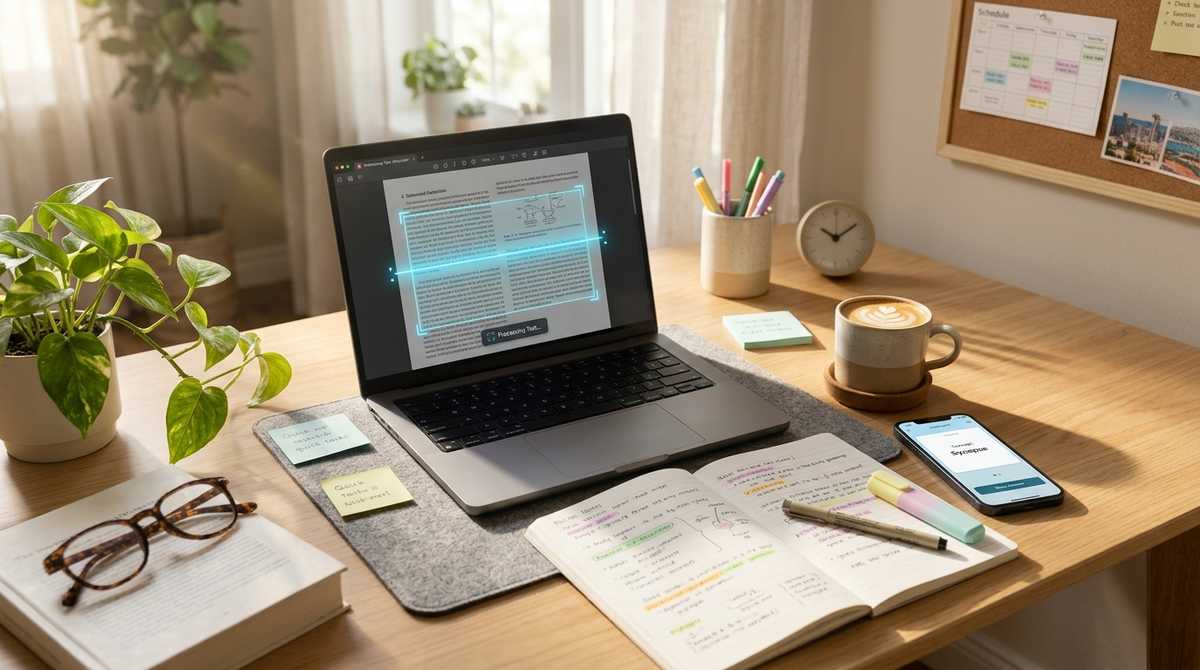
Step 1: Digitize your handwritten notes with OCR
Do you have a stack of handwritten notes from class? Taking a photo of them is great, but you cannot search through an image. You need OCR (Optical Character Recognition).
If your professor uploads a scanned PDF (which is just an image of a page), you cannot highlight the text or copy-paste it into your essay. Use our PDF to Word OCR tool. It uses a neural network to read the scanned text, recognize the letters, and convert the entire PDF into an editable Word document.
Make your professors’ scanned PDFs editable and searchable.
Convert Scanned PDF to WordStep 2: Deduplicate your study guides
When you combine notes from different friends or paste in definitions from a textbook, you end up with massive lists where the same fact is repeated 5 times. This wastes precious study time.
Paste your study guide into our Text Deduplicator. It instantly removes all repeated lines while keeping the original order. It even has a "Trim whitespace" option to clean up messy copy-pasting.
Remove duplicate lines and clean up your notes instantly.
Clean Up Study GuidesStep 3: Check your essay word count
You finally finished your 2,000-word essay. You paste it into the submission portal, and it rejects you because you are 5 words over the limit. Or worse, your professor has a strict rule about character limits.
Always run your final draft through our Word Counter before submitting. It gives you an exact count of words, characters (with and without spaces), sentences, and even estimates your reading time.
Ensure your essay meets the strict requirements.
Count Words & CharactersStep 4: Combine readings into one PDF
Instead of opening 15 different PDF articles on your iPad, combine them into a single reading packet. You can use our Merge PDF tool to attach all your readings for the week into one file. This makes it much easier to read on a Kindle or annotate on a tablet.
Tools mentioned in this article
Frequently asked
What is OCR?
Optical Character Recognition. It is a technology that allows a computer to read text from an image or scanned document.
How can I make my PDF notes searchable?
If the PDF is a scan, you need to run it through an OCR tool. ToolDeck offers a free PDF to Word OCR tool that converts the scanned image back into editable text.
What is the best way to study for exams?
Active recall and spaced repetition. Do not just read; test yourself. You can use free tools to extract text from your notes and generate flashcards.