Free Adobe Illustrator Batch Tracer Script
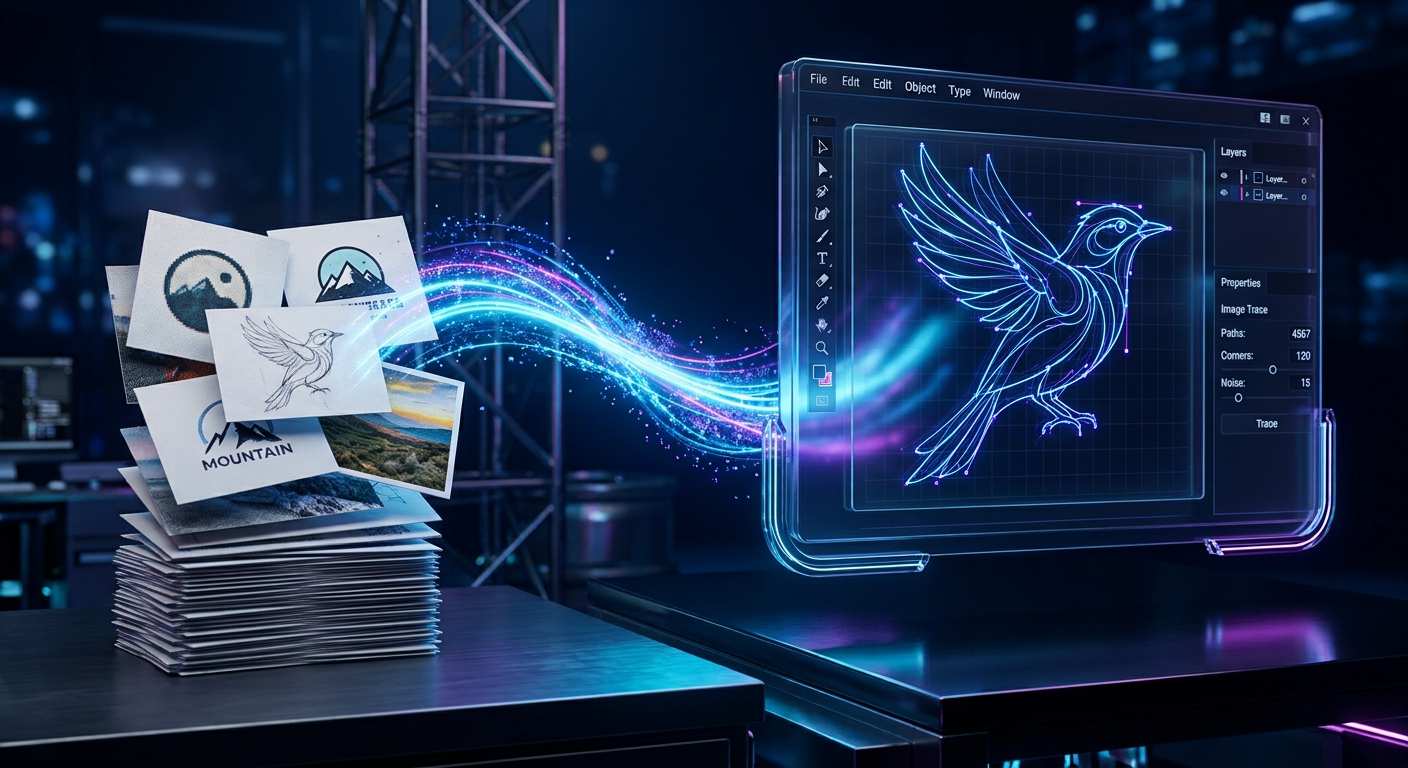
Automatically vectorize hundreds of images in one go. Download our free .jsx script pre-configured to output high-resolution 4800 x 4800 px vectors with Auto-Artboard Resizing. Perfect for Print-on-Demand and mass logo conversion.
Batch Tracer Script (.jsx)
Pre-configured for 4800x4800 output with Auto-Artboard. Just install, select your folder, and let Illustrator do the heavy lifting.
File size: ~15 KB · Compatible with Illustrator CS6 and above
How to use the Batch Tracer
- 1
Download the Script
Click the download button to get the .jsx file to your computer. No installation required.
- 2
Open in Illustrator
In Illustrator, go to File > Scripts > Other Script and select the downloaded file.
- 3
Select Folder & Trace
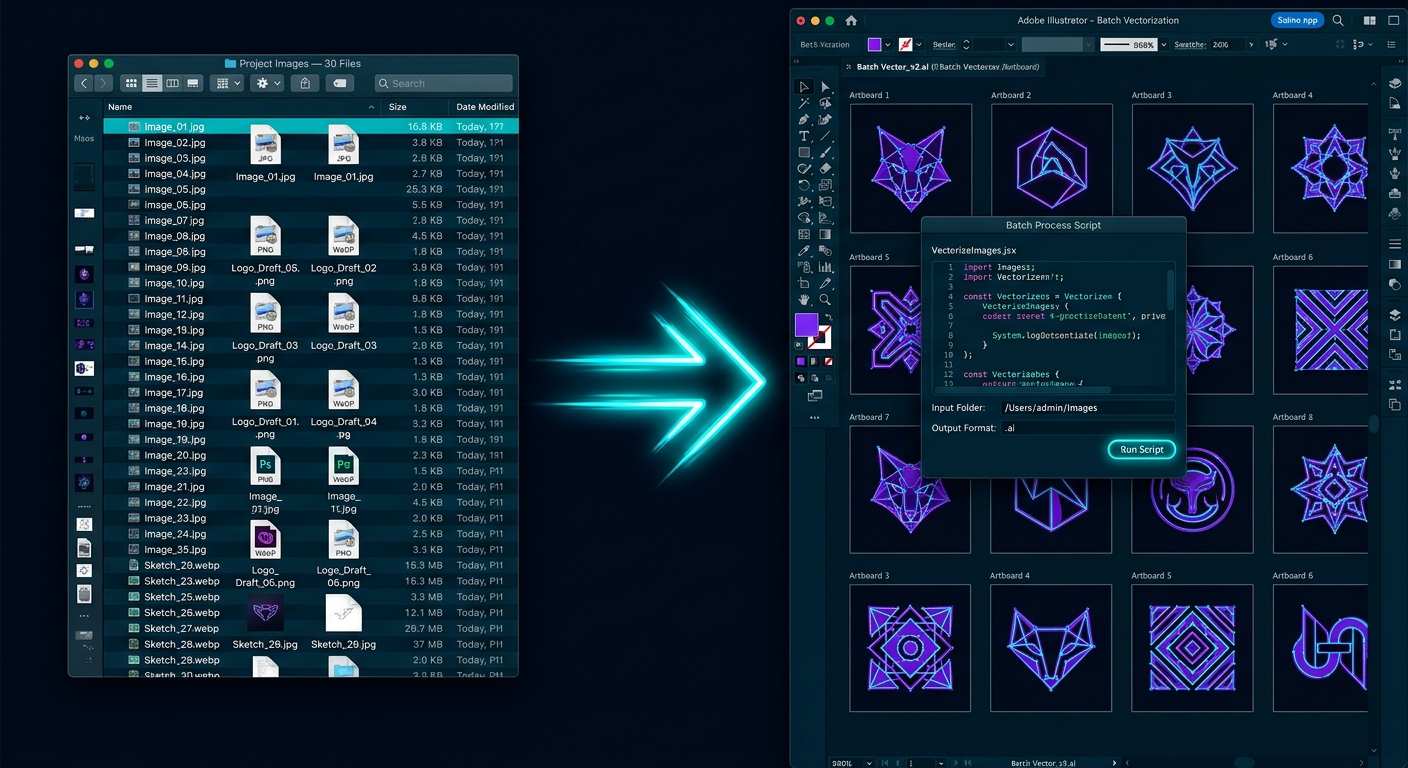
Choose the folder with your images. The script traces them all automatically to 4800x4800 with Auto-Artboard.
Features of our Script
Massive Time Saver
Stop opening, tracing, and saving files one by one. Select a folder with 50+ images and let the script process them while you grab a coffee.
4800 x 4800 Auto-Artboard
Pre-configured to automatically resize the Artboard to a high-resolution 4800x4800. Perfect for print-on-demand (POD) sites like Merch by Amazon or Redbubble.
Zero Coding Required
You do not need to know a single line of JavaScript. Just install the file, select your folder, and the automation handles the rest.
Preserves Your Trace Settings
The script uses the default Image Trace preset you have selected in Illustrator. Set it to "High Fidelity Photo" or "16 Colors" once, and it applies to all.
Optimized for Speed
Built to handle large batches without crashing your Illustrator instance.
Free & Open
No paywalls, no license keys, no watermarks. A free tool built for the design community.
Who is this script for?
Print on Demand (POD)
Quickly vectorize designs for T-shirts, mugs, and posters to meet the high-resolution (DPI) requirements of POD platforms.
Logo Recreation
Convert low-res client logos or raster images into clean, scalable vector graphics.
Sticker & Apparel Design
Automate the tracing of complex illustrations before sending them to cutting machines or screen printers.
Archiving & Restoration
Convert old scanned artwork or legacy raster files into crisp, modern vector formats.
Why use our script vs. manual work?
| Feature | Our Free Script | Manual Tracing | Paid Marketplace Scripts |
|---|---|---|---|
| Cost | 100% Free | Free (Time consuming) | $20 - $50 on marketplaces |
| Speed (50 images) | 3-5 minutes | 2-3 hours | 3-5 minutes |
| Setup | Instant (.jsx) | None | Requires installation/license |
| Output Resolution | 4800 x 4800 px | Depends on user | Varies |
| Artboard Auto-Resize | Yes | No | Usually No |
| Requires Illustrator | Yes (CS6+) | Yes | Yes |
Legal & Disclaimer
1. Not affiliated with Adobe: This is an independent, open-source ExtendScript provided by ToolDeck. We are not affiliated with, endorsed by, or sponsored by Adobe Inc. "Adobe" and "Illustrator" are registered trademarks of Adobe Inc.
2. Use at your own risk: This script modifies files and automates actions within your Illustrator software. While we have tested it thoroughly, we provide it "as is" without any warranty. ToolDeck is not responsible for any corrupted files, lost data, or software crashes. Always keep backups of your original images.
3. Copyright of Images: This script is a tool. You are solely responsible for the images you process. Do not use this script to trace, copy, or vectorize copyrighted artwork, logos, or images that you do not own the rights to. ToolDeck does not endorse copyright infringement.
4. No Support Guarantee: This is a free community tool. We provide basic instructions, but we cannot offer dedicated technical support for specific Illustrator bugs, OS conflicts, or hardware limitations.
Frequently Asked Questions
Is this Illustrator script really free?
Yes, it is 100% free. There are no hidden fees, subscriptions, or watermarks. You do not need to create an account to download it.
Which versions of Adobe Illustrator does it support?
The script is built using standard ExtendScript (JSX), making it compatible with Adobe Illustrator CS6, CC, and all newer versions (2020-2024) on both Windows and macOS.
How does the batch script actually work?
It automates a process that normally takes 5 clicks per image. It opens the image, applies Image Trace using your default preset, expands the result, auto-resizes the artboard to 4800x4800, and saves it as an .ai file.
Can I change the output resolution from 4800x4800?
The script is hardcoded to 4800x4800 for optimal balance between file size and print quality. If you are a developer, you can open the .jsx file in a text editor (like Notepad or VS Code) and search for "4800" to change the values.
What should I do if the script gets stuck?
If Illustrator hangs or the script stops, try pressing Ctrl+Shift+D (or Cmd+Shift+D on Mac) to clear any stuck actions. Also, ensure your "Image Trace" settings are not too complex (limit colors) and process in smaller batches (10-20 images) if your PC is low on RAM.
Why is the script using Ctrl+Shift+D?
Some Illustrator versions have conflicting shortcuts or get stuck with background selections. The script uses Ctrl+Shift+D to quickly clear the active action or selection state before proceeding to the next image.
Does it work on Mac?
Yes, it works perfectly on macOS. You just need to use Cmd instead of Ctrl for the shortcuts (e.g., Cmd+F12 to open the script window).
Do I need to install any plugins?
No. It is a standalone .jsx file. You just run it via File > Scripts > Other Script. It does not modify your Illustrator installation.
More Free Tools for Designers & Creators
100% free, browser-based utilities. No uploads, no sign-ups.
Image Upscaler
Enlarge photos 2x, 4x, 8x with AI Enhance.
Image Compressor
Shrink JPG, PNG and WebP to a target size.
Image Converter
Convert 18 formats: JPG, PNG, WebP, HEIC.
Background Remover
Remove photo backgrounds automatically.
SVG Cleaner
Minify and clean SVG code from Illustrator.
Image Resizer
Resize to exact pixel sizes for print/social.
Favicon Generator
Generate a full set of favicons from a logo.
Aspect Ratio Cropper
Crop to 1:1, 4:5, 9:16, or 16:9 instantly.
JPG to PDF
Turn JPG photos into a clean PDF document.
WebM to MP4
Convert WebM and MOV videos to MP4 locally.
Video Upscaler
Enlarge video 2x, 3x or 4x to 1080p / 4K.
PDF Editor
Edit PDFs, add text, sign, and redact.
Merge PDF
Combine multiple PDFs into one file.
PDF Metadata Remover
Remove hidden author data from PDF files.
Invoice Builder
Create and print professional invoices.
QR Code Generator
Create custom QR codes for links or WiFi.
Password Generator
Create strong, secure passwords.
Word Counter
Count words, characters and reading time.