Delete PDF Pages Online — Remove Unwanted Pages
Remove blank pages, duplicate scans, or outdated sections from your PDF instantly. Processed 100% locally in your browser—no file uploads, total privacy.
- Zero server uploads
- Visual thumbnail selection
- Free, no sign-up required
- No watermark added
Drop a PDF here
Edit text, sign, watermark, merge, split, extract. Everything on one screen.
- 100% Secure
- No Upload
- No Storage
- No Sign-up
- Runs in Browser
- No Watermark
Why use ToolDeck to delete PDF pages?
Deleting pages usually requires heavy desktop software or uploading sensitive documents to online cloud servers. ToolDeck lets you remove pages instantly within your web browser without uploading a single byte to remote storage.
Every PDF editing tool in one window
ToolDeck PDF Editor is a free online PDF editor that runs in your browser. It combines the tools people usually need three or four separate websites for: edit existing text, add text, highlight, redact, place images, sign, rotate, delete, reorder, merge, split, watermark, extract text and edit metadata. Your PDF is never uploaded.
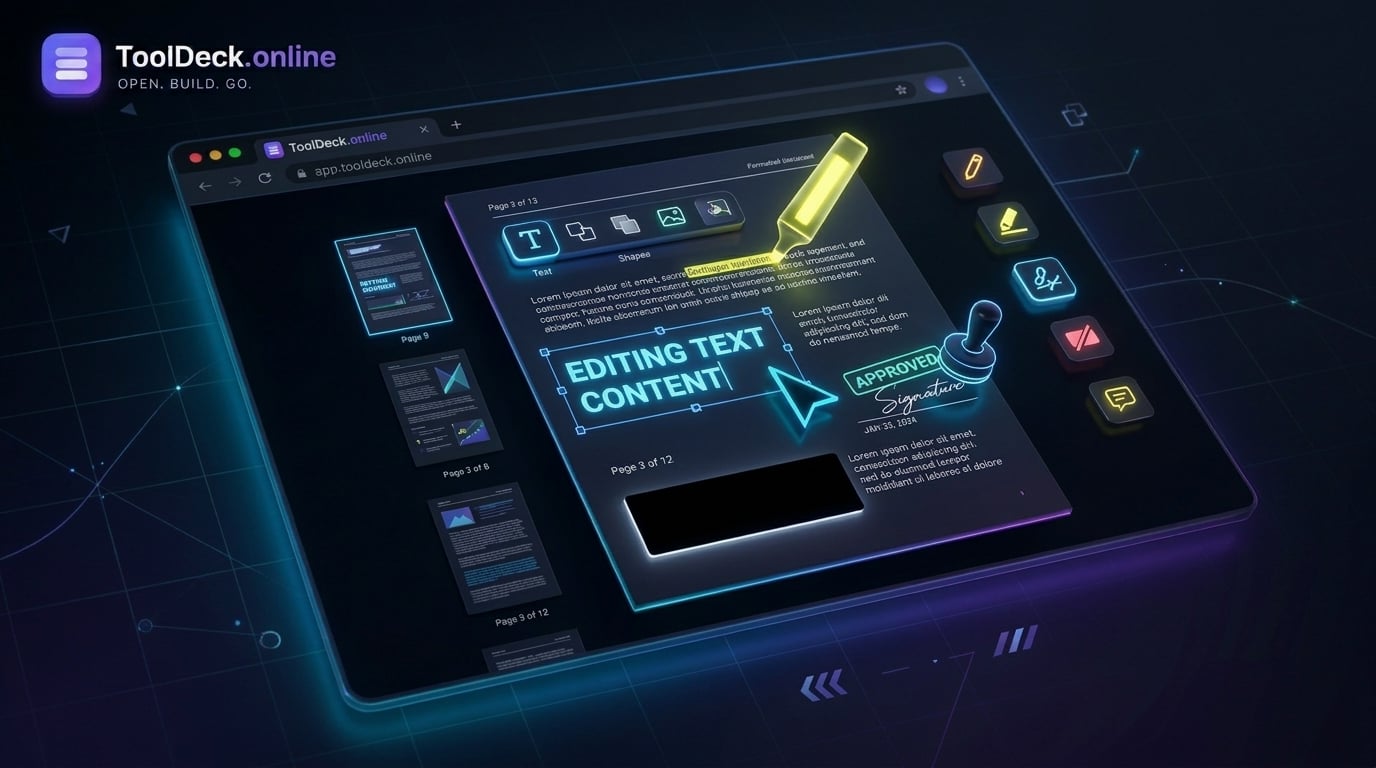
Edit text
Change the words already in the PDF
Add text
Type anywhere, any size and colour
Highlight
Mark key lines in yellow
Redact
Black out sensitive data for good
Image
Place a PNG or JPG logo or photo
Sign
Draw or upload your signature
Rotate
Turn any page 90 degrees at a time
Delete pages
Remove pages you do not need
Reorder
Drag thumbnails into a new order
Merge
Add other PDFs into this one
Split
Cut the result into parts of N pages
Watermark
Stamp your own text on every page
Extract text
Copy the text of every page at once
Metadata
Set title, author, subject, keywords
Don’t trust us: check that your PDF is not uploaded
Any editor can claim to be private. You can test it yourself in two minutes with the tools already built into your browser. This works on any PDF site, so you can compare us with other editors.
- Open your browser developer tools (F12, or Cmd+Option+I on a Mac) and choose the Network tab.
- Tick "Preserve log" and clear the list, so you start from an empty view.
- Load your PDF, delete pages, and press Save PDF.
- Look at the requests. You will see the page's own scripts and the PDF.js library files load from a CDN. You will not see a POST or PUT request carrying your PDF.
- Optional: after the PDF has opened, set the Network throttling to "Offline" and keep editing and saving. It still works, because nothing needs a server.
All PDF tools
19 free PDF tools: flatten, edit, merge, split, compress, convert, rotate, sign, protect and more. Nothing uploaded, ever.
Flatten PDF
Lock forms, annotations and signatures into the page
PDF Editor
Edit text, sign, redact, watermark and reorder pages
PDF to Word
Convert PDF to editable Word .docx
Merge PDF
Combine multiple PDFs into one file
Image to PDF
JPG, PNG, WebP photos into a PDF
Word to PDF
Turn Word .docx into a clean PDF
Split PDF
Split a PDF by page, range or every N
Compress PDF
Reduce PDF size for email and forms
PDF to JPG
Every PDF page as a high-quality JPG
PDF to Excel
Extract tables into editable .xlsx
PDF to PowerPoint
Turn PDF pages into .pptx slides
Rotate PDF
Rotate pages 90, 180 or 270 degrees
Unlock PDF
Remove the password from a PDF you own
Protect PDF
Add a password to any PDF
Extract Images
Pull every embedded image out
OCR PDF
Read scanned PDFs into editable text
Watermark PDF
Add text watermarks to pages
Sign PDF
Draw or type your signature on a PDF
HTML to PDF
Turn a web page or HTML into a PDF
Delete PDF Pages
You are hereRemove unwanted pages from a PDF
ToolDeck vs Cloud-based PDF Editors
iLovePDF, Smallpdf, Sejda and most web PDF editors process your document on their servers. ToolDeck does the work in your browser instead, so the file never leaves your device.
| Feature | TToolDeck | iLovePDF | Most other online editors |
|---|---|---|---|
| Your file stays on your device | Yes | No | No |
| Copy of your document on a server | None | Deleted after 2 hours | Varies |
| Delete specific pages for free | Yes | Partial | Partial |
| Visual page thumbnails selection | Yes | Yes | Yes |
| Account required? | No | No | Varies |
| One-screen workflow | Yes | Separate tools | Varies |
| Desktop and mobile apps | No | Yes | Varies |
| Number of PDF tools | 19 | 30+ | Varies |
iLovePDF, Smallpdf, Sejda and Adobe Acrobat are trademarks of their respective owners and are not affiliated with ToolDeck.
How it works
- 1
Drop your PDF
Choose a file or drag one onto the page. The PDF is opened and every page is rendered in your browser using PDF.js. Nothing is uploaded.
- 2
Select and delete
In the sidebar, click the page you want to remove and press the "Delete page" button. You can also drag thumbnails to reorder them.
- 3
Save the finished PDF
Click Save PDF. pdf-lib rebuilds the document on your device without the deleted pages and downloads it. No ToolDeck watermark, no upload.
Everything you get for free
Zero Server Uploads
Your PDF stays entirely on your machine. We process page deletion locally inside your browser tab using JavaScript. It never leaves your device.
Remove Unwanted Pages
Instantly delete blank pages, duplicate scans, or outdated sections without installing heavy desktop software.
Verifiable Privacy
Check your browser developer tools Network tab. You will see zero outbound requests carrying your document data.
Complete PDF Toolkit
In addition to deleting pages, you can merge documents, split files, add signatures, and edit existing text.
True Permanent Redaction
Drag a black box over sensitive text. Pages with redactions are saved as flattened images, so the covered text is permanently removed.
Sign Contracts Safely
Insert any PNG or JPG, or draw a signature with your mouse or finger. Resize by dragging. Ideal for signing NDAs.
Merge & Split
Add other PDFs and their pages appear in the sidebar straight away. Split the finished document every N pages. All done locally.
Extract & Edit Metadata
Copy all the text from every page in one click. Set the title, author, subject and keywords of the exported document.
What people use it for
Remove blank pages
Scanned documents often have blank backsides. Delete them instantly to save file size and printing costs.
Hide sensitive sections
Delete whole pages containing confidential information before sharing a document with a client or the public.
Remove outdated versions
If a contract was updated, delete the old pages and keep only the latest valid terms in the final file.
Shrink file size
Large image-heavy pages can be deleted to reduce the total PDF size, making it easier to email.
Extract a single chapter
Delete all other chapters to create a smaller, focused document for a specific audience.
Clean up scanned docs
Remove the cover pages or index pages from scanned reports if they are not needed for the final recipient.
Edit PDF on Windows, Mac, Linux, Chromebook, iPhone and Android
Because the editor is a web page, the same free PDF editor works on every device with a modern browser. Nothing to download and nothing to update.
Windows
Open the editor in Chrome, Edge or Firefox. No install, no Acrobat licence, no admin rights needed.
Mac
Works in Safari, Chrome and Firefox. A handy upgrade on Preview when you need to redact, merge or reorder pages.
Linux
Any modern browser works, so there is no need to hunt for a desktop PDF editor that runs on your distribution.
Chromebook
Runs as a normal web page, which makes it a good fit for ChromeOS where desktop PDF software cannot be installed.
iPhone and iPad
Works in Safari. Fine for a signature or a quick text fix; a laptop is easier for long documents.
Android
Works in Chrome. The signature pad is especially comfortable on a touchscreen.
Questions people ask
How do I delete pages from a PDF?
Open ToolDeck's PDF editor in your browser, drop your PDF, and click on a page in the sidebar to select it. Then click the "Delete page" button. Repeat for any other pages you want to remove, and click Save PDF to download the cleaned file.
Are my files safe when deleting pages online?
Yes, completely safe. Unlike other cloud services that upload your confidential files to remote servers, ToolDeck processes everything locally inside your browser tab using WebAssembly and JavaScript. Your file never leaves your device.
Can I undo a deleted page?
Before you click Save PDF, you can use the Undo button at the top of the editor to restore deleted pages. Once you save and download the file, the deletion is permanent.
Can I delete multiple pages at once?
You can select one page at a time and press Delete. For bulk deletion, it is often easier to use the Split tool to extract only the pages you want to keep.
Do I need to install any software or plugins?
No installation is needed. ToolDeck runs entirely within modern web browsers like Chrome, Safari, Edge, and Firefox. There are no downloads, plugins, or extensions required.
Does it work on iPhone and Android?
Yes, it works in modern mobile browsers like Safari and Chrome. You can tap page thumbnails to select them and delete. For large documents, a laptop provides a smoother experience.
Need just one PDF task?
Your PDFs never leave your device
There is no upload step and no server-side document handling. The PDF is opened, rendered and rebuilt entirely in your browser using PDF.js and pdf-lib. Your document, annotations, signatures and metadata stay on your computer. Use the check described above to confirm there are no outbound requests carrying file data. Read how we keep it private.